Experimenting with audio streaming
Yesterday I had some fun tinkering around with my live streaming server setup, so I thought I would share it with you. This blog post is a little bit stream of consciousness as I am thinking out loud, and it is more technical-focused sysadmin day, rather than music-focused, so if that’s something you are interested in, this one is for you! Enjoy!
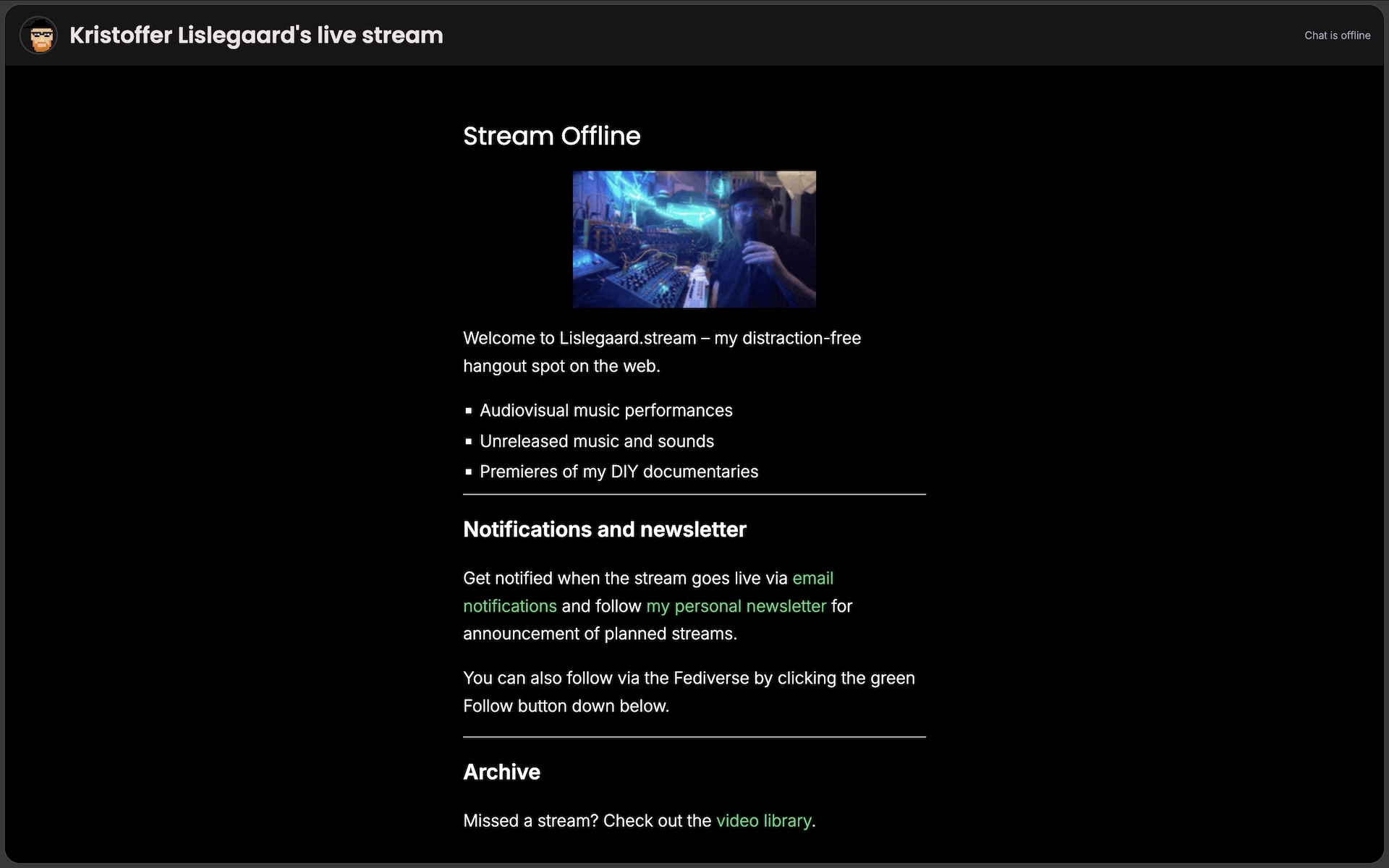
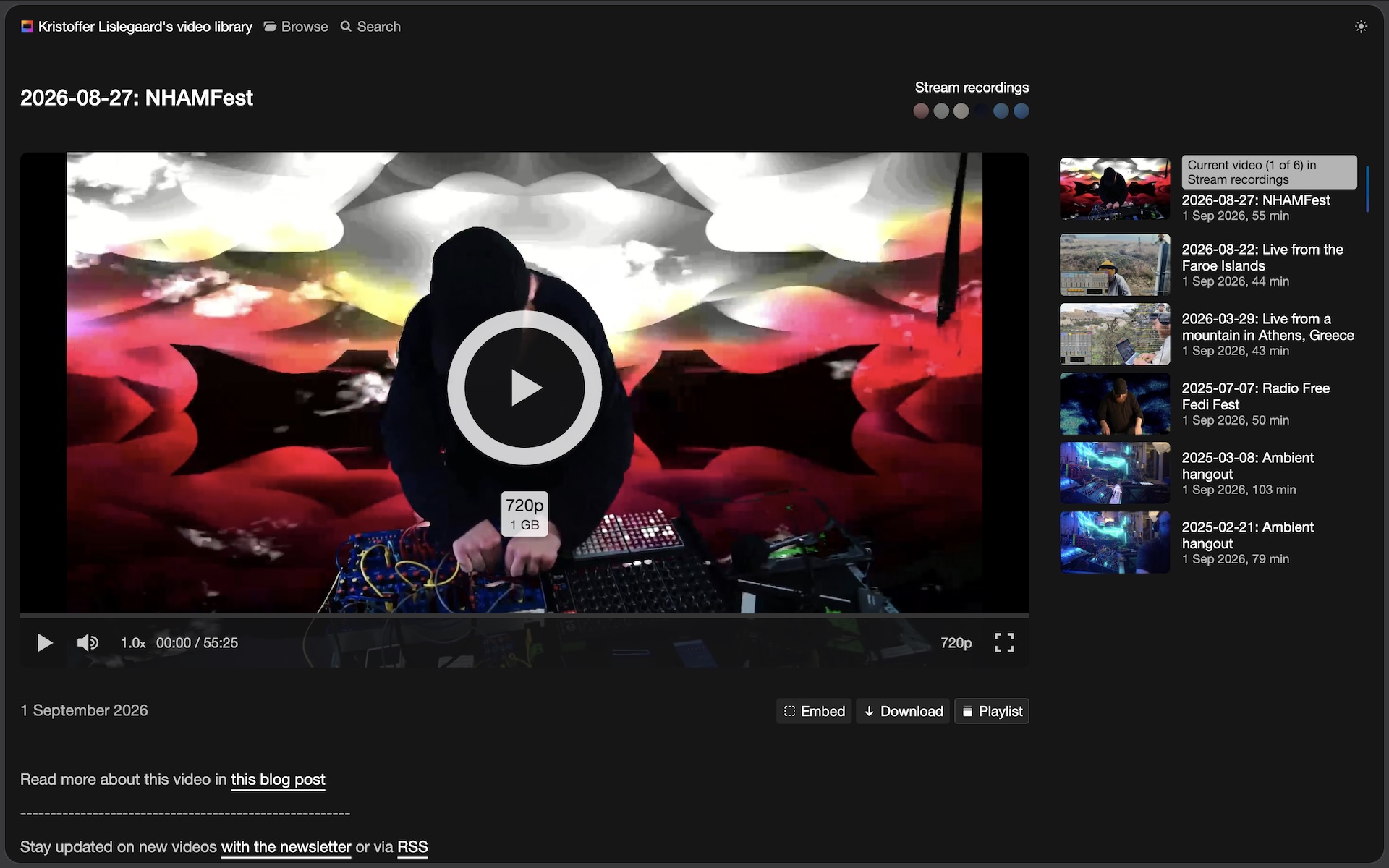
As you might know I have a live streaming site called Lislegaard.stream, where I live stream video. I do high production audiovisual performances, more casual studio hangouts, and even some small-setup performances from remote locations.
A little bit about the tech
The program powering the site is called Owncast, a great open source streaming software that also integrates with the Fediverse. So every time I go live, people who follow @live@lislegaard.stream on for example Mastodon get a post in their feed that I’ve gone live. I also manually send out an email to people who subscribe to the site via email. It can also ping you on Discord, but I don’t really use that much myself. Let me know if you want that.
I run it on the cheapest VPS (virtual private server) on Hetzner. When I am not streaming, it just sits there and people can follow it, read some info, follow links to the archive and see if there are any scheduled streams. When I do a video stream I scale the server up to have much more CPU power, so it can handle 1080p video in pretty high quality, and then after the stream I scale it down again, to save money and resources. It works really well for my sporadic video streams.
What can you do with a small-scale server?
But as I always do, I started wondering… How much could the server handle without being scaled up. Like if there wasn’t a big production, but I just… pressed the live button. Would the VPS that was already there anyway, be able to handle any action? What could I use it for? Of course it is fine just sitting there, but these are the things that kinda just makes my brain start to wonder. What if, you know?
So I have been thinking and experimenting with audio-only streams as well, because after all, I am a music producer. I work with sound, not everything has to be visual. Sometimes I like to fire up the whole studio, cameras, lights etc. and try to create the best possible “TV-show”, but other times it would be nice to just do some “Radio” instead, because it is much simpler, and I could even do it from the couch at home. It would also be a place 100% focused on the sound and not what it looks like, and there are many scenarios where radio makes more sense than TV as a metaphor. Like if you just want to show some music you have been working on, or even a listen party for a new album. Yes it is cool with visualizers and all that, but if we are there mostly just to listen (and chat) anyway, then maybe audio-only is enough, and that a bit of simplifying would make it easier to do it more often.
The pirate radio is dead, long live the pirate radio
So in June I did a few audio-focused streams on the site. I played through my album catalog, some unreleased sketches, and a few recordings of Øy. This was so much fun! I was just chilling on the couch, chatting away with people while the sounds were playing. Some people were really active in the chat, while others just put it on in the background as they were working. Someone did the dishes. It is kinda weird. We all have access to more music than we can listen to in a lifetime, but still there is a different feeling listening together, a shared experience, something happening in the moment.
I also feel like this is a format where my music fits in very well. It is not TikTok-friendly, there is no algorithm pushing it, Spotify is not helping me find new listeners by putting it in playlists where people listen without knowing anything about the artists. But if you take the time to give my music some space, that is where it really shines. That’s when you will be taken on a journey, where you can dream up stories, process the impressions of your life and your locked-in emotions. It needs space and care, but if you give it that, you can be greatly rewarded. So by sharing a moment together, giving the music space, we can have a great time! So I will definitely do more of this.
So this is audio, but you stream video?
Oh yes! Back on track! Well, so Owncast is a video streaming software, so to stream there you need to send SOMETHING visual. So for my sessions I sent a static image and just some info text of what I was playing. I turned the video quality way down, but kept the audio quality way up. So it looked OK, but sounded fantastic.
This worked very well, and my scaled-down server was handling the low quality static video, and high quality audio without any problems, but some people said that while this was great and all, it was still quite a bit of data use on their end, streaming a video feed just to listen to the audio. At home on a decent network this is not really a problem, but say you are somewhere with a slow network, or you want to save data on your phone data plan. Or I could even imagine someone tuning in to one of my bigger production video-focused streams just to listen, maybe while getting out of the house and having a walk (people have written in the chat that they do this). Sure you could walk around like a teenager looking at your phone, but maybe it would be better to just get the audio, lock the screen on your phone, put it in your pocket and just listen? It would be super-handy to be able to offer a pure, lightweight audio-only stream in addition to the video version.
So THAT is what I did yesterday (getting to the point finally)
I experimented with grabbing the audio from the video stream (the HLS-stream for those who know the tech), pass or compress the audio, and stream it to a different streaming software called Icecast, which is for audio instead of video.
I did some testing on my local machines at home, and it worked very well! I was streaming video from OBS to Owncast, FFMPEG was grabbing just the audio from Owncast and streaming just the audio to Icecast.
[computer: OBS] -> [server: Owncast] -> [video stream]
[computer: OBS] -> [server: Owncast -> FFMPEG -> Icecast] -> [audio stream]
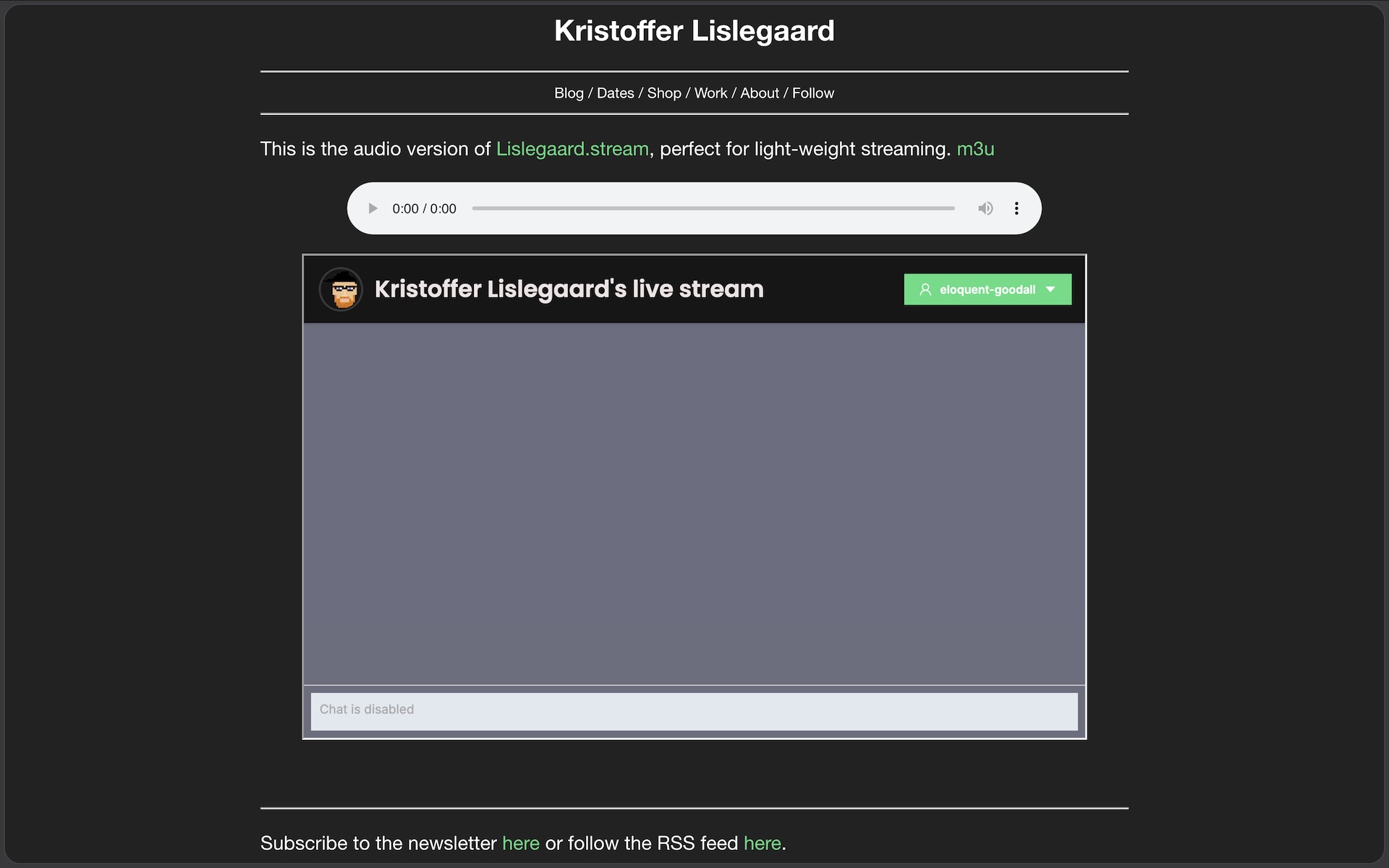
This seems like a great way to offer both a video stream and an audio stream, so people can choose what they want to use. I also put together a quick test site showing how people can still be in the chat (if they want), even if they are on the audio-only stream.
Sm0l things coming. Stay tuned!
I will do a little bit of more testing on my local machines, and I need to program a few more scripts, but it seems stable and pretty ready to be deployed to Lislegaard.stream.
So that is my full ramble. Lightweight audio version of Lislegaard.stream coming soon! Stay tuned, as I always tease my friend’s bands for writing online, hehe!
You can see me, OR hear me on a stream soon!
Bye!
Subscribe to the newsletter here or follow the RSS feed here.